Getting started with the KH3 handbook
Goal
Use this tutorial to learn the repository, make a harmless practice change, validate it, and understand how production publication differs from a local build.
Prerequisites
- A clone of this repository.
- Git and Python 3.
- Optional local build: Python virtual environments and internet access to install the pinned packages.
- No infrastructure access is required.
Risk is low because the exercise changes only a temporary Markdown sentence. Do not use a dirty operational page for practice.
1. Identify source and generated output
From the repository root:
pwd
git status --short --branch
find docs -maxdepth 2 -type f -name '*.md' | sort | sed -n '1,20p'
Markdown under docs/ is source. mkdocs.yml defines navigation and build
settings. site/ is generated output and is ignored by Git.
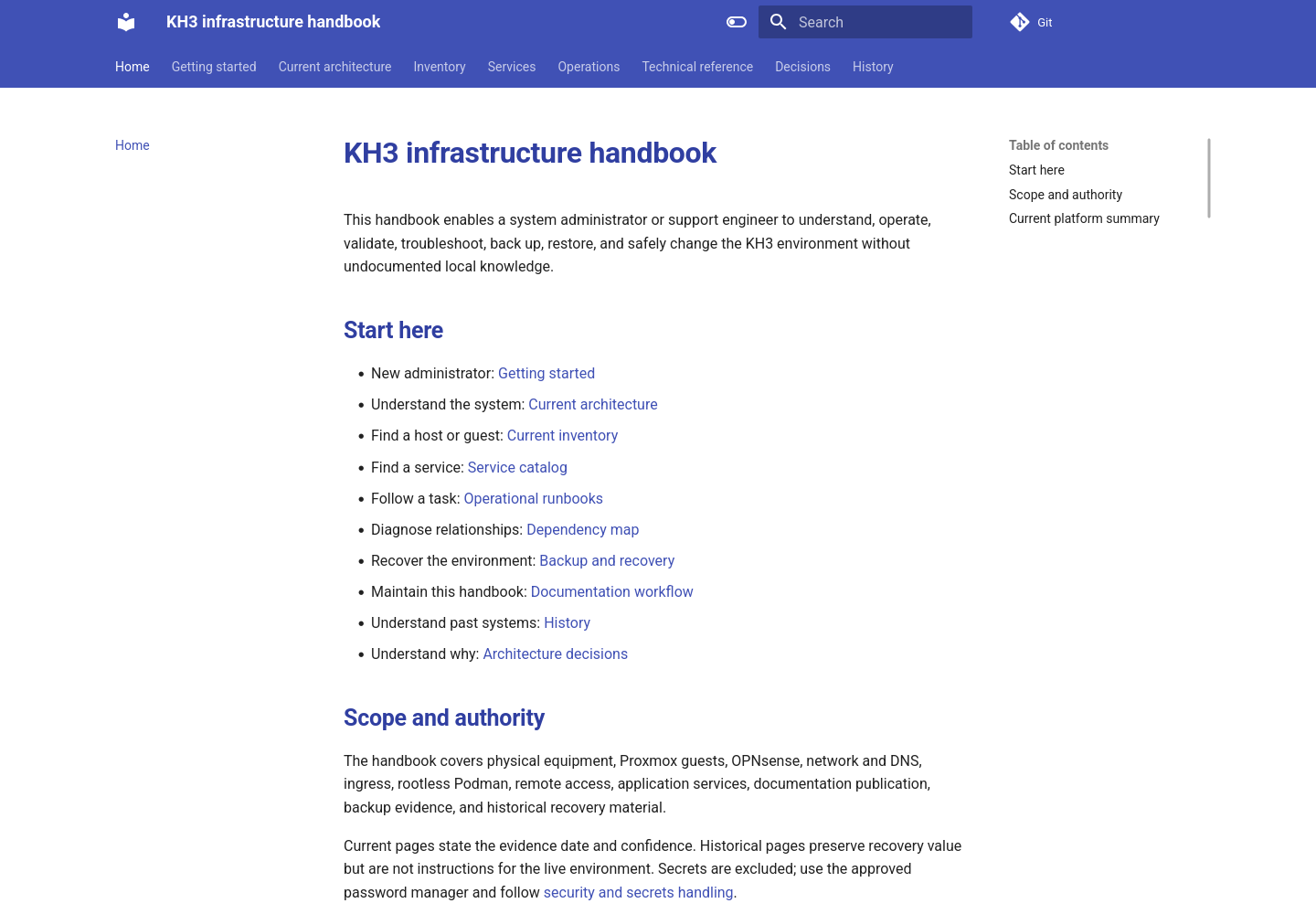
Expected rendered result after a successful local build. This screenshot was
captured from the repository's generated site/index.html on 2026-07-17.
2. Install the optional local environment
python3 -m venv .venv
. .venv/bin/activate
python3 -m pip install -r requirements.txt
Expected result: MkDocs Material and the pinned plugins install without changing the repository dependencies.
3. Run baseline checks
python3 scripts/docs_qa.py
mkdocs build --strict
git diff --check
Expected result: QA reports a pass and MkDocs creates site/. A local build
does not publish production.
4. Make a harmless practice change
Create a temporary branch:
git switch -c docs-practice
Add one sentence to this tutorial with an editor, then run:
python3 scripts/docs_qa.py
mkdocs build --strict
git diff --check
git diff -- docs/tutorials/getting-started.md
Expected result: only the intentional sentence appears in the diff.
5. Revert the practice change safely
Restore only this tracked file:
git restore docs/tutorials/getting-started.md
git status --short
Do not use git reset --hard; it would discard unrelated work. Return to the
previous branch and delete the clean practice branch if appropriate:
git switch -
git branch -d docs-practice
6. Understand production publication
A push to main triggers Forgejo Actions. CI installs requirements.txt, runs
mkdocs build --strict, and copies site/ into the shared runner-data publish
directory on CT 101. The docs-static Caddy container serves it on port
30084; ingress Caddy on CT 103 serves docs.kh3group.com.
If a check fails, use documentation maintenance. If production is stale or unavailable, use the publishing runbook.