Technitium DNS
Lifecycle: Current. Listener and resolution checks verified: 2026-07-17.
Service record
| Field | Value |
|---|---|
| Purpose | Internal name resolution and client DNS policy |
| Owner | IT Operations |
| Criticality / recovery priority | Critical / P2 |
| Host | CT 102 technitium-dns, native systemd service dns |
| Address | DHCP reservation 192.168.2.2 on VLAN 2 |
| DNS | TCP/UDP 53 |
| Console | TCP 5380; currently listens on all interfaces |
| Config/data | /etc/dns; treat as secret-bearing |
| Backup location | /root/technitium-backups; restricted |
| Listener guard | /usr/local/sbin/check-technitium-dns-listener |
| Guard drop-in | /etc/systemd/system/dns.service.d/10-listener-healthcheck.conf |
Architecture
OPNsense advertises 192.168.2.2 through DHCP and enforces DMZ DNS policy.
Technitium answers internal records and permitted recursion. Proxmox uses a
separate localhost bootstrap resolver so firewall recovery does not depend on
this CT.
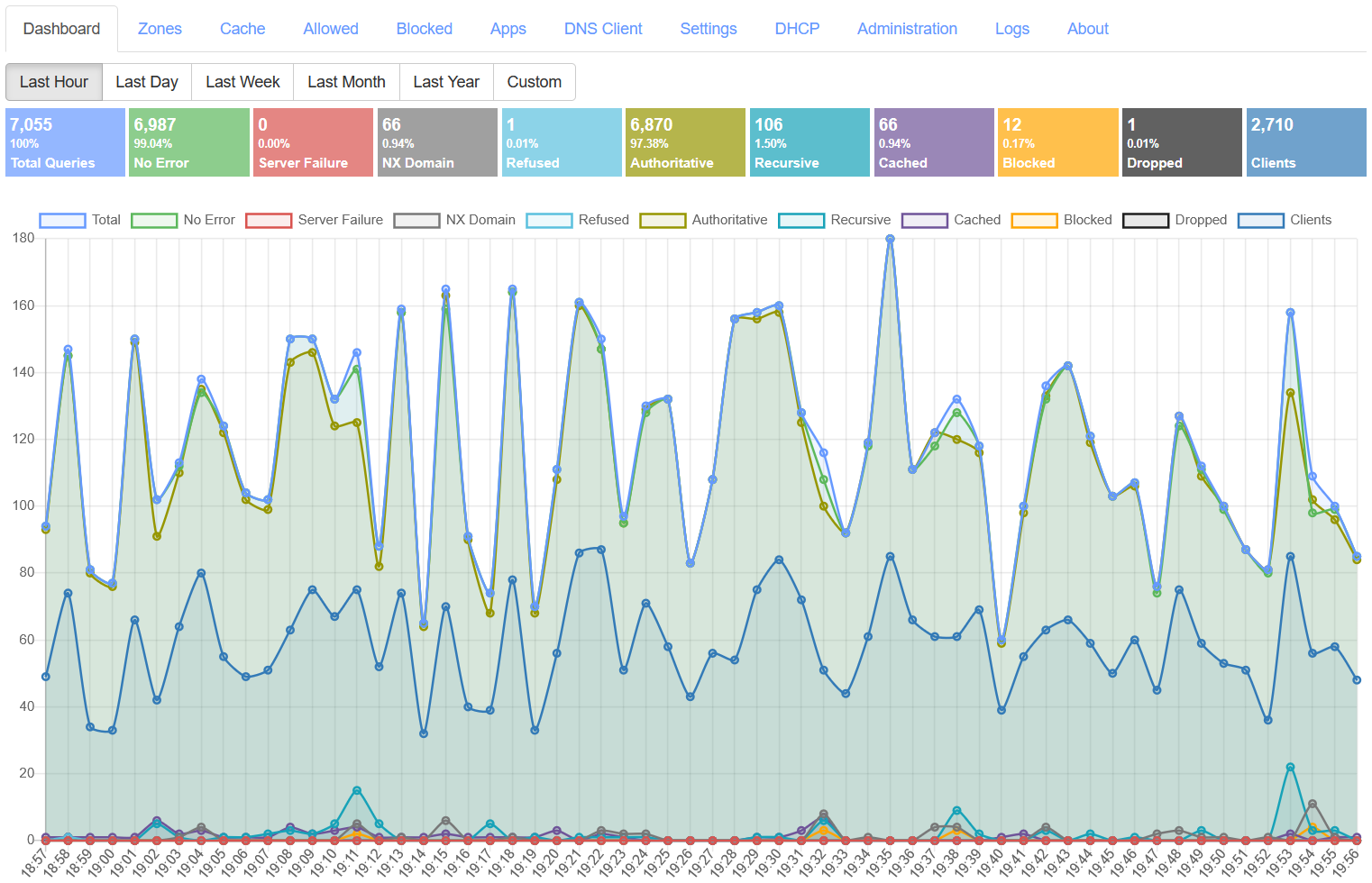
Official Technitium dashboard example. It illustrates query, response, client, and error indicators; it is not a capture of KH3 traffic.
Operate and validate
ssh pvessh 'pct exec 102 -- systemctl is-active dns'
ssh pvessh 'pct exec 102 -- /usr/local/sbin/check-technitium-dns-listener'
ssh pvessh 'pct exec 102 -- ss -H -lntup | grep -E ":(53|5380)"'
ssh pvessh 'pct exec 102 -- dig +short @192.168.2.2 git.kh3group.com A'
ssh pvessh 'pct exec 102 -- dig +short @192.168.2.2 example.com A'
Expected: active; DNS listens on 192.168.2.2:53; internal and public answers
return. On 2026-07-17, docs.kh3group.com returned public Cloudflare addresses
while git.kh3group.com returned 192.168.2.3; reconcile the split-DNS policy
in an approved change.
Configuration and change procedure
Use the Technitium console/API, not direct edits to binary zone files. Before an approved change:
- Create a native backup in restricted storage.
- Record affected zones, records, forwarders, ACLs, and DHCP dependencies.
- Change one item.
- Validate from CT
102, one DMZ host, and one LAN client. - Restore the native backup if expected answers or recursion fail.
Do not print API tokens, administrator credentials, full config, or backups.
Add or update an internal zone
1. Sign in to the console through an approved management path and open Zones.
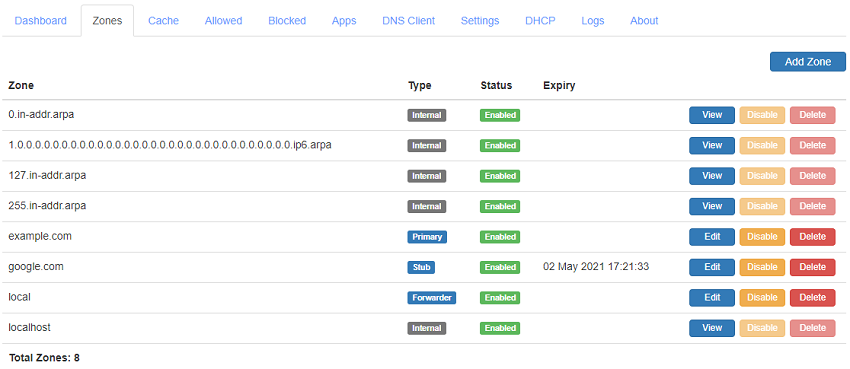
Official zones-page example. Zone names in the image are generic and do not represent the KH3 inventory.
2. Confirm that an existing primary or conditional-forwarder zone does not already own the name.
3. Select Add Zone, enter the exact zone name, and choose the required zone type. Use a primary zone for KH3-owned records and a conditional forwarder only when another DNS server is authoritative.
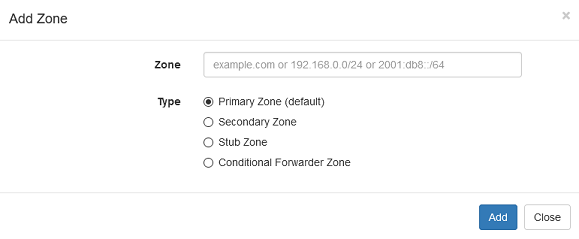
The add-zone dialog from official documentation. Do not copy its example values into production.
4. Add the smallest required records. Record owner, purpose, target, TTL, and rollback value in the change record.
5. Query 192.168.2.2 directly from CT 102, a DMZ host, and a LAN client.
Compare internal and public answers when the name uses split DNS.
6. Roll back the record or restore the native backup if authoritative answers, recursion, or dependent services fail.
Upgrade, backup, and restore
Record the current package version before upgrade, review upstream notes, make a native backup, and retain the prior package/container artifact. Restore a clean Debian LXC, install the compatible Technitium version, restore the native backup, confirm listener addresses, then test internal records and recursion before DHCP clients depend on it.
Security and monitoring
- Restrict recursion to approved networks.
- Restrict console
5380by OPNsense, VPN, source IP, or authenticated Caddy. - Monitor service state, service-address listener, internal answers, public recursion, disk, and backup age.
- Do not treat a loopback-only listener as healthy.
Troubleshooting
| Symptom | Cause | Diagnosis | Remedy |
|---|---|---|---|
Connection refused on 192.168.2.2 |
Service listens only on loopback | ss and listener guard |
Restore service-address listener and validate |
Clients use 192.168.2.1 |
DHCP option drift | Inspect lease and rendered OPNsense Dnsmasq | Correct option 6 in an approved change |
| Internal name returns public IP | Missing/incorrect split record | Query Technitium explicitly | Correct authoritative local record |
| Public names fail | Forwarder/recursion/network issue | Query known public name and check logs | Repair upstream path without allowing broad client bypass |